Topic: Creating Gradients.
Date: 08.10.21.
Group: 47.
Time: 90 minutes.
Objectives:
- to continue accruing knowledge on the topic of gradient;
- to master gradient tool in Adobe Illustrator;
- to practice and develop color combination skills;
- to get acquainted with gradient generator and palette generator tools.
Materials:
Adobe Illustrator, gradient generator and palette generator websites, Zoom.
You will learn the following:
1. Tools that help you to generate color palettes.
2. How many colors can gradient consist of.
3. Online tools that help you to generate gradients.
Theory
Color palette generators.
1. Adobe Color CC.
https://color.adobe.com/create
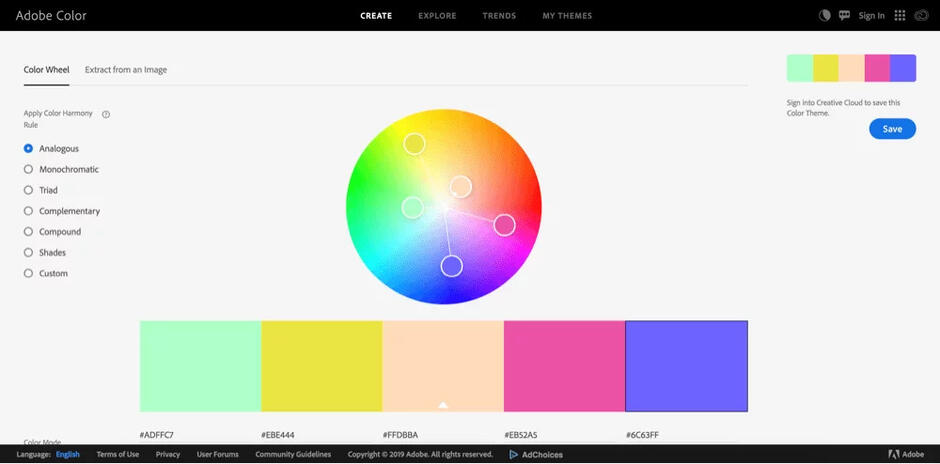
Can adjust colors in the palette separately;
Explore section has multiple palettes as well as color palettes with the corresponding images;
Has the option to create a palette based on an image;
Possibility to save the palettes you've created.
2. Coolors.
https://coolors.co/
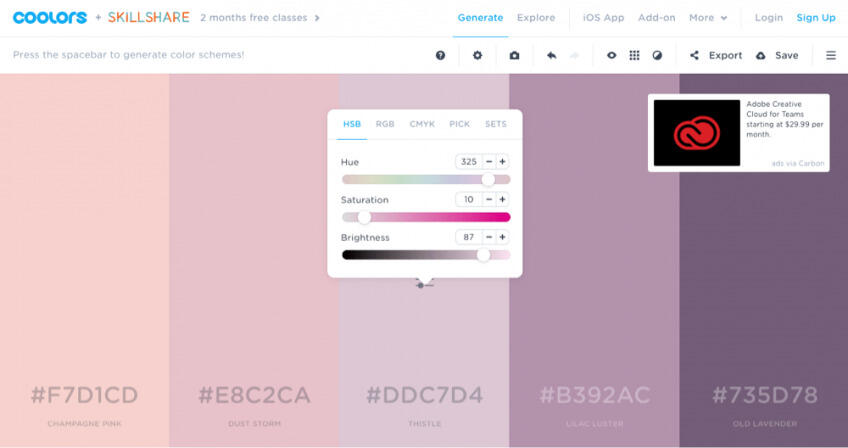
In the generator, you can adjust the whole palette together or each shade separately;
Coolors also has a library of ready to use color palettes;
You can also filter the results by choosing a parameter like a specific color or “dark”, for example;
Extension for Photoshop and illustrator;
Special colorblindness view.
3. Paletton.
https://paletton.com/
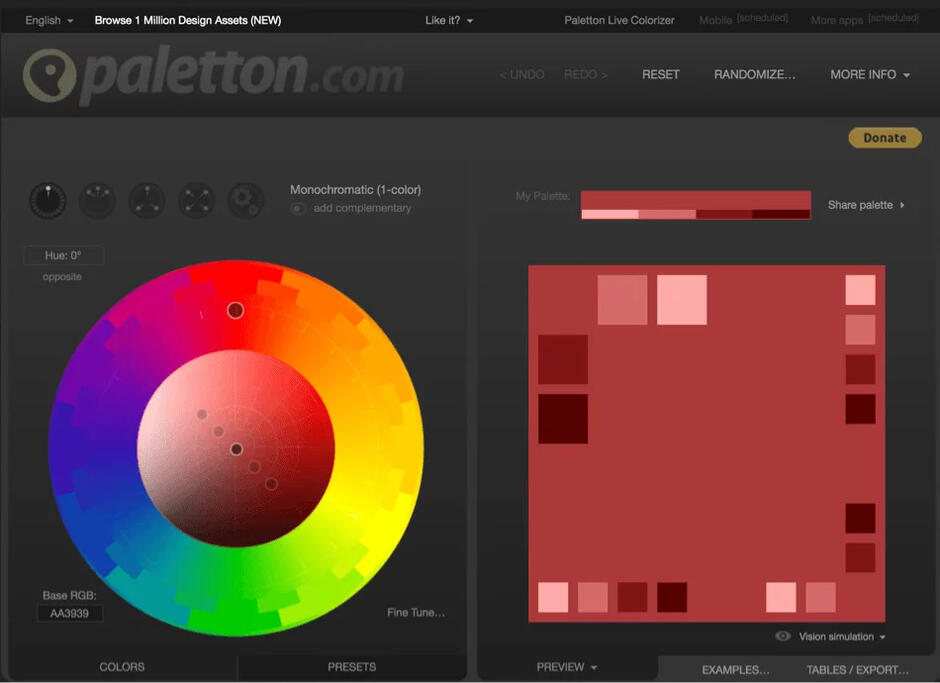
Easy to use - dragging a circle in a color wheel;
You can check how each color palette will look on a real page with the “Examples” option;
Has a section with presets that you can use and adjust if needed;
Can export the palettes in different formats.
4. Color Hunt.
https://colorhunt.co/
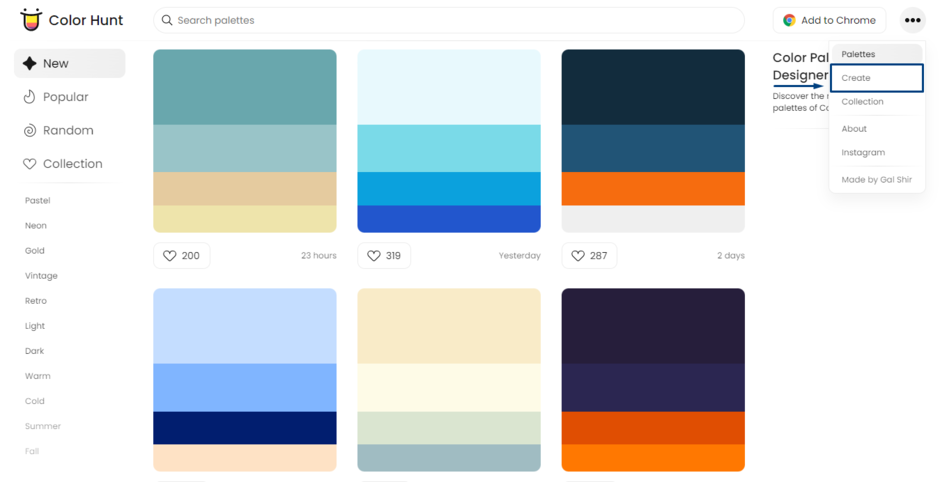
Gives full freedom in creating a color palette;
Has a library of ready to use color palettes;
Can export the palettes in different formats.
Gradient generator tools.
1. CSS Gradient.
https://cssgradient.io/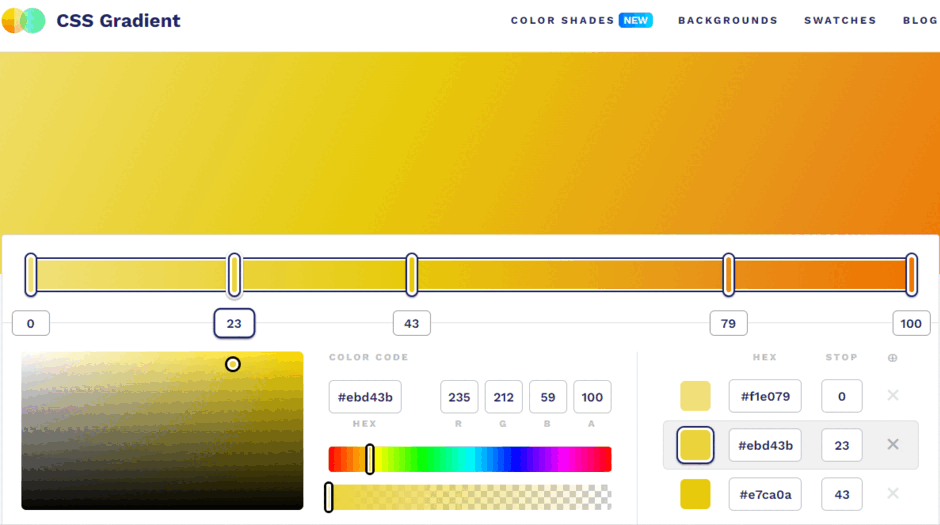
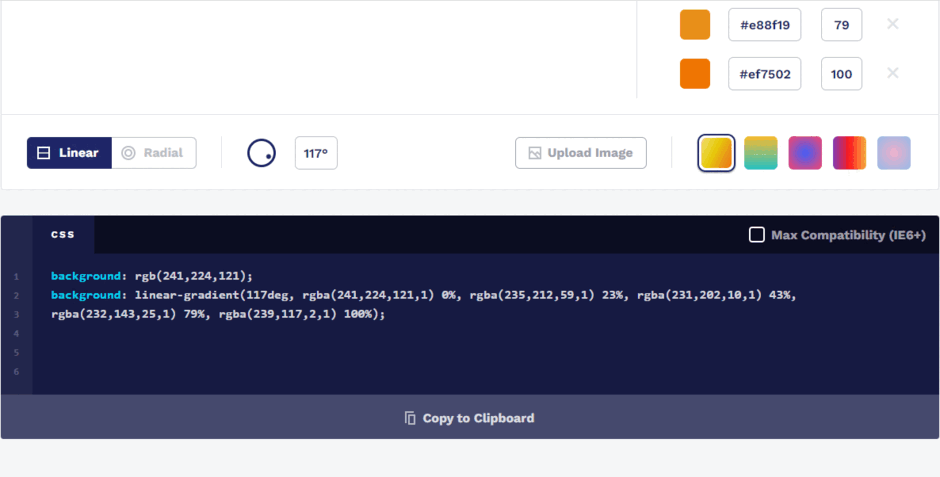
Allows creating multicolor gradients.
Gives full control of creating a gradient.
Enables you to generate gradient as code.
Has a library of gradients.
2. Angry tools (Online gradient generator).
https://angrytools.com/gradient/
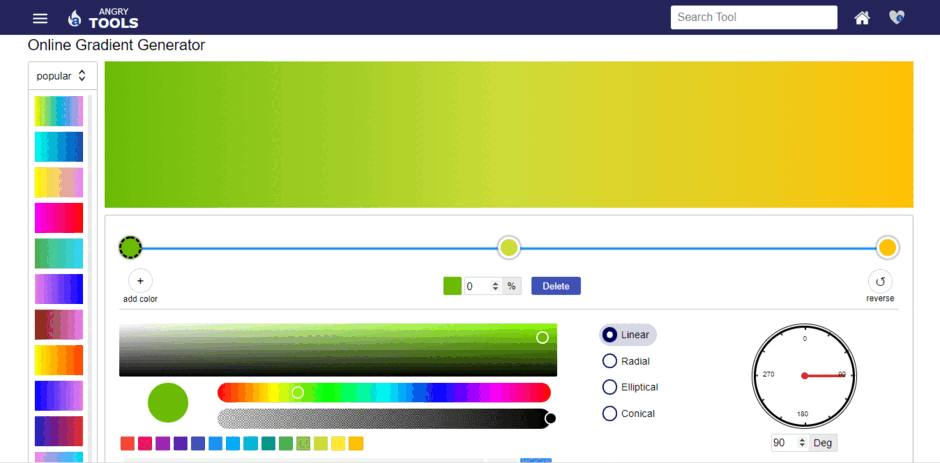
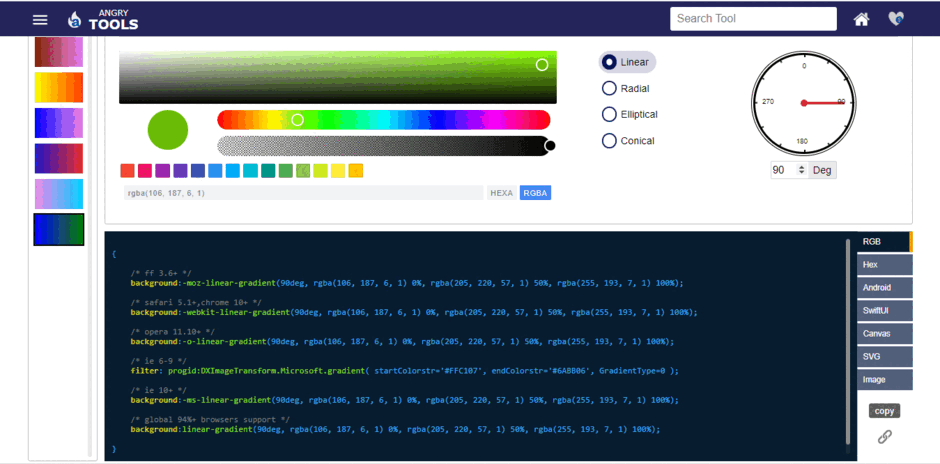
Multifunctional website, that offers a wide range of free tools for web development and mobile application.
Easy to use.
Allows creating multicolor gradients.
Gives the opportunity to create linear, radial, elliptical, conical (angular) gradients.
Enables you to generate gradient as code in CSS, RGBA, HEX, Canvas, SVG, SwiftUI and Android XML formats.
Allows to generate gradient image and download it.
3. Color Space beta.
https://mycolor.space/
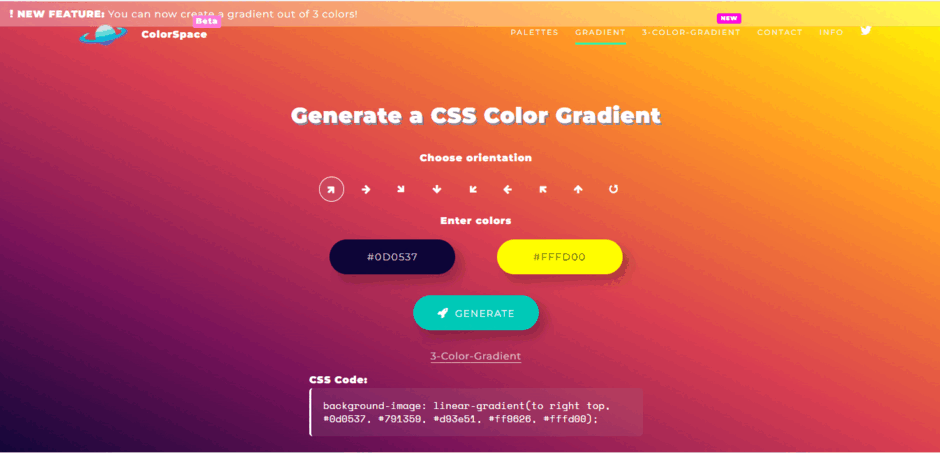
Allows creating 2 and 3 color gradients.
Has the function of creating palette for your gradient.
Has 8 directions to custom a gradient.
Enables you to generate gradient as code.
Has a library of gradients.
The gradients are generated based on the website’s library. Customers can’t edit much or influence the gradient except for the given settings.
4. Mesh Gradient Collection
https://products.ls.graphics/mesh-gradients/
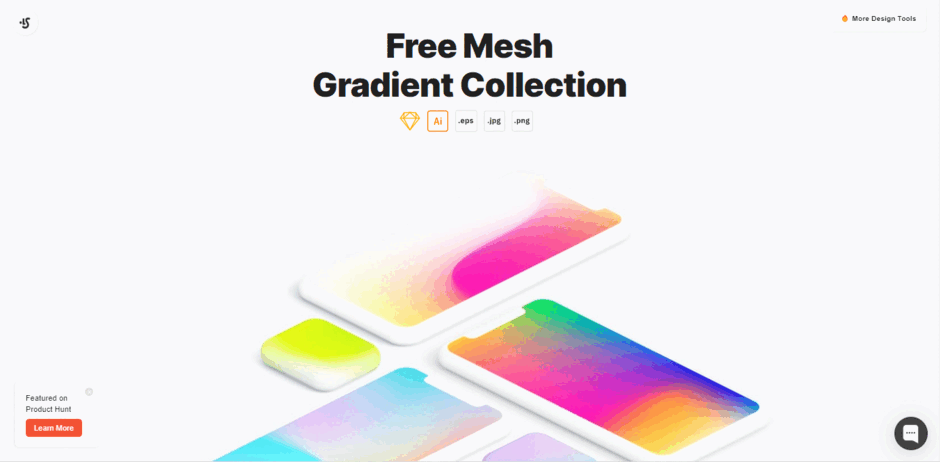
Modern and minimalistic design.
One of the most complex gradient tools.
Has a library of 100 free gradients.
It allows to download gradient as an image, save the image, or download this entire pack as eps, jpg, and png.


.png)